.png)
Deliver Scan-to-BIM Models With Confidence
We review Architectural, Structural and MEP Revit models against point clouds and client standards to eliminate costly errors before delivery.

WHAT PROBLEMS DO WE SOLVE?
✔ Missing elements
✔ Wrong system classifications
✔ Incorrect family categories
✔ Modeling inconsistencies
✔ Poor LOD compliance
✔ Incorrect coordinates
✔ Clash issues
✔ Non-standard naming
✔ Bad parameters
✔ Geometry inaccuracies
Even experienced Scan-to-BIM teams miss issues. Our independent quality review catches modeling errors before they become expensive RFIs, change orders or client rejections.
SERVICES

.svg)


1. Geometric Accuracy Review
We compare your Revit model against the point cloud to verify that all elements are modeled within the required project tolerance, ensuring a reliable and accurate deliverable.


2. Revit Standards Review
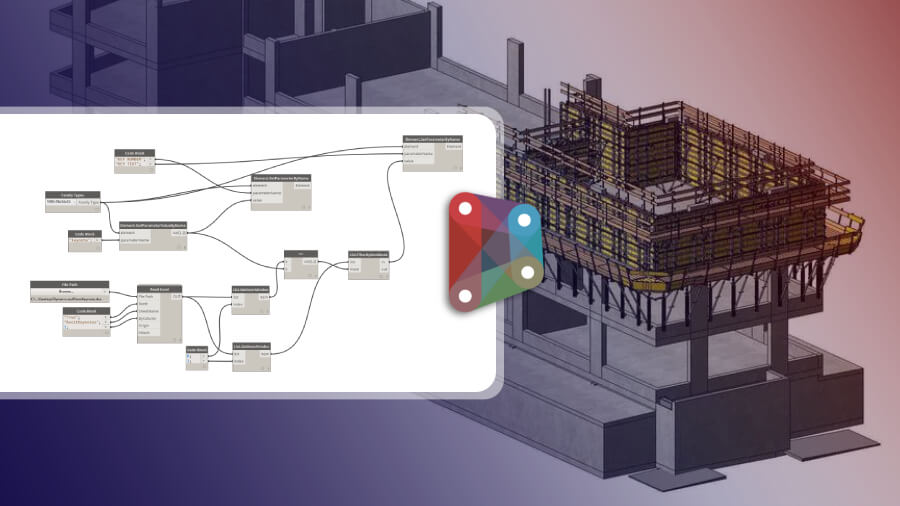
We verify that your model follows Revit best practices and client standards, ensuring a clean, consistent, and production-ready BIM deliverable.
.svg)
.svg)
.webp)
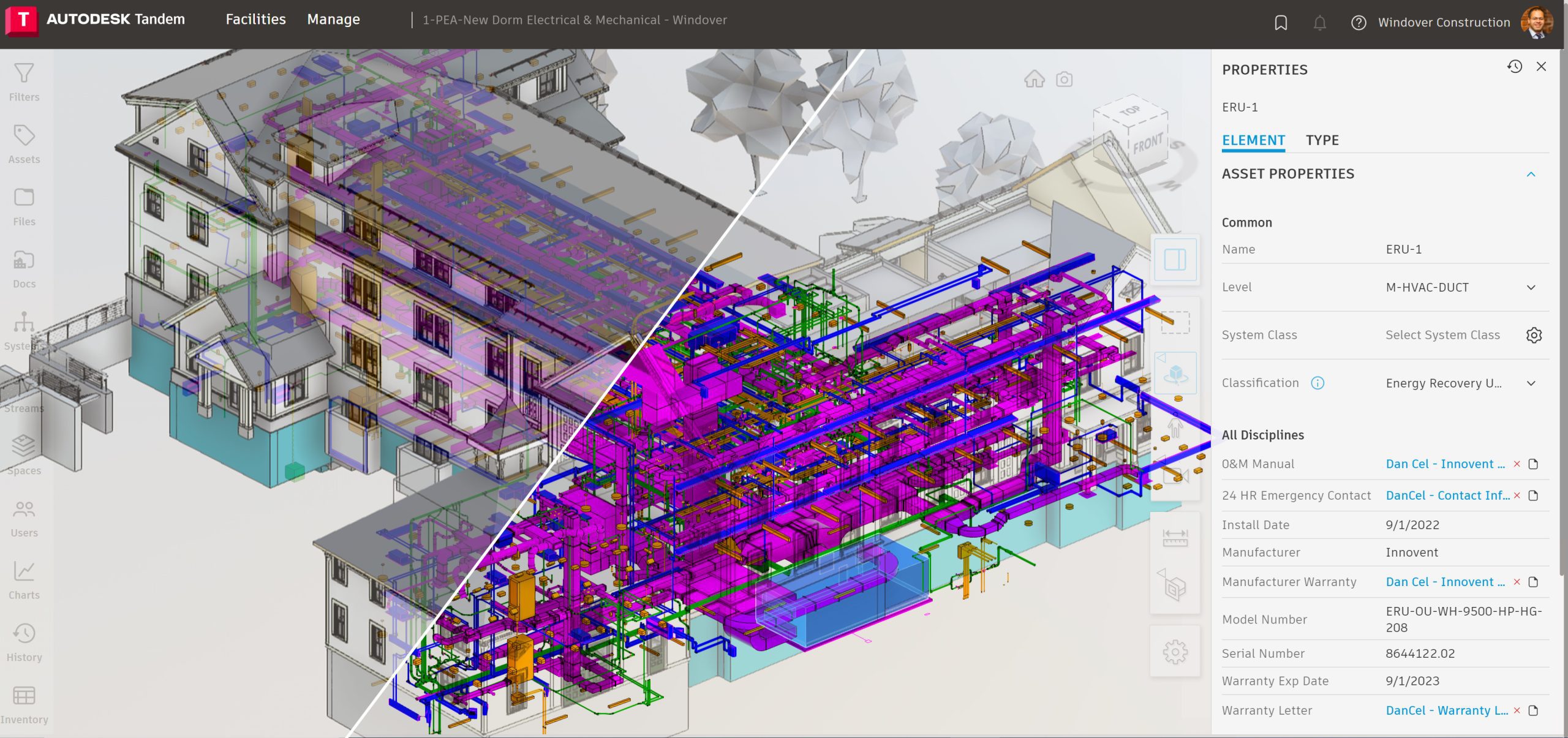
3. MEP System Validation
We review MEP models to ensure systems are properly classified, connected, and organized for coordination, quantity takeoffs, and facility management.
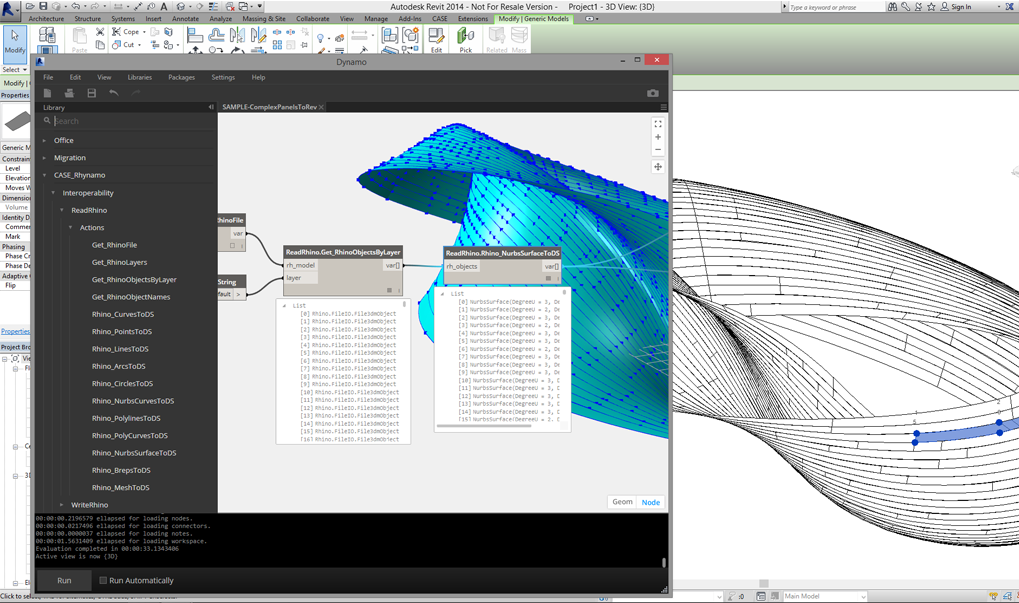

4. Family & Data Validation
We verify that Revit families and embedded data are properly structured, categorized, and configured to meet project standards.
.svg)
.webp)
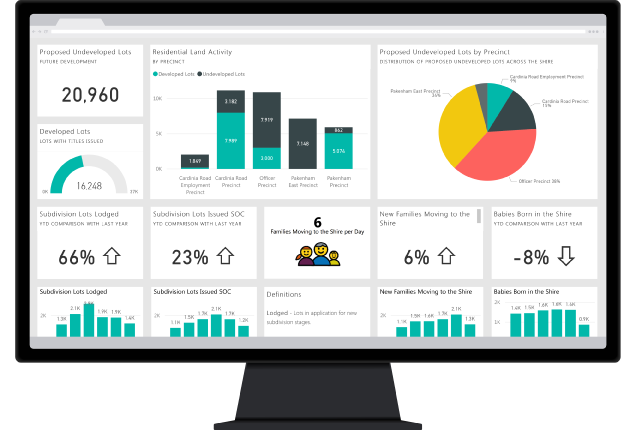
1. Geometry Accuracy Review
We compare your Revit model against the point cloud to verify that all elements are modeled within the required project tolerance, ensuring a reliable and accurate deliverable.
2. Revit Standards Review
We verify that your model follows Revit best practices and client standards, ensuring a clean, consistent, and production-ready BIM deliverable.
3. MEP System Validation
We review MEP models to ensure systems are properly classified, connected, and organized for coordination, quantity takeoffs, and facility management.
4. Family & Data Validation
We verify that Revit families and embedded data are properly structured, categorized, and configured to meet project standards.
Simple. Accurate. Reliable.
Our structured quality control process ensures your Scan-to-BIM models are accurate, compliant, and ready for client delivery.


.webp)
Independent
QC Review
We analyze your Revit model against the point cloud and project requirements.


Issue Detection & Validation
We identify geometry inaccuracies, modeling inconsistencies, Revit standards violations, and data quality issues.
.webp)
QC Report &
Ready for Delivery
Receive a detailed report with prioritized findings, annotated screenshots, and clear recommendations before delivering the model to your client.
Independent QC Review
We analyze your Revit model against the point cloud and project requirements.
Issue Detection & Validation
We identify geometry inaccuracies, modeling inconsistencies, Revit standards violations, and data quality issues.
QC Report & Ready for Delivery
Receive a detailed report with prioritized findings, annotated screenshots, and clear recommendations before delivering the model to your client.

How It Works in Practice
Explore practical scenarios where we deliver value to users.
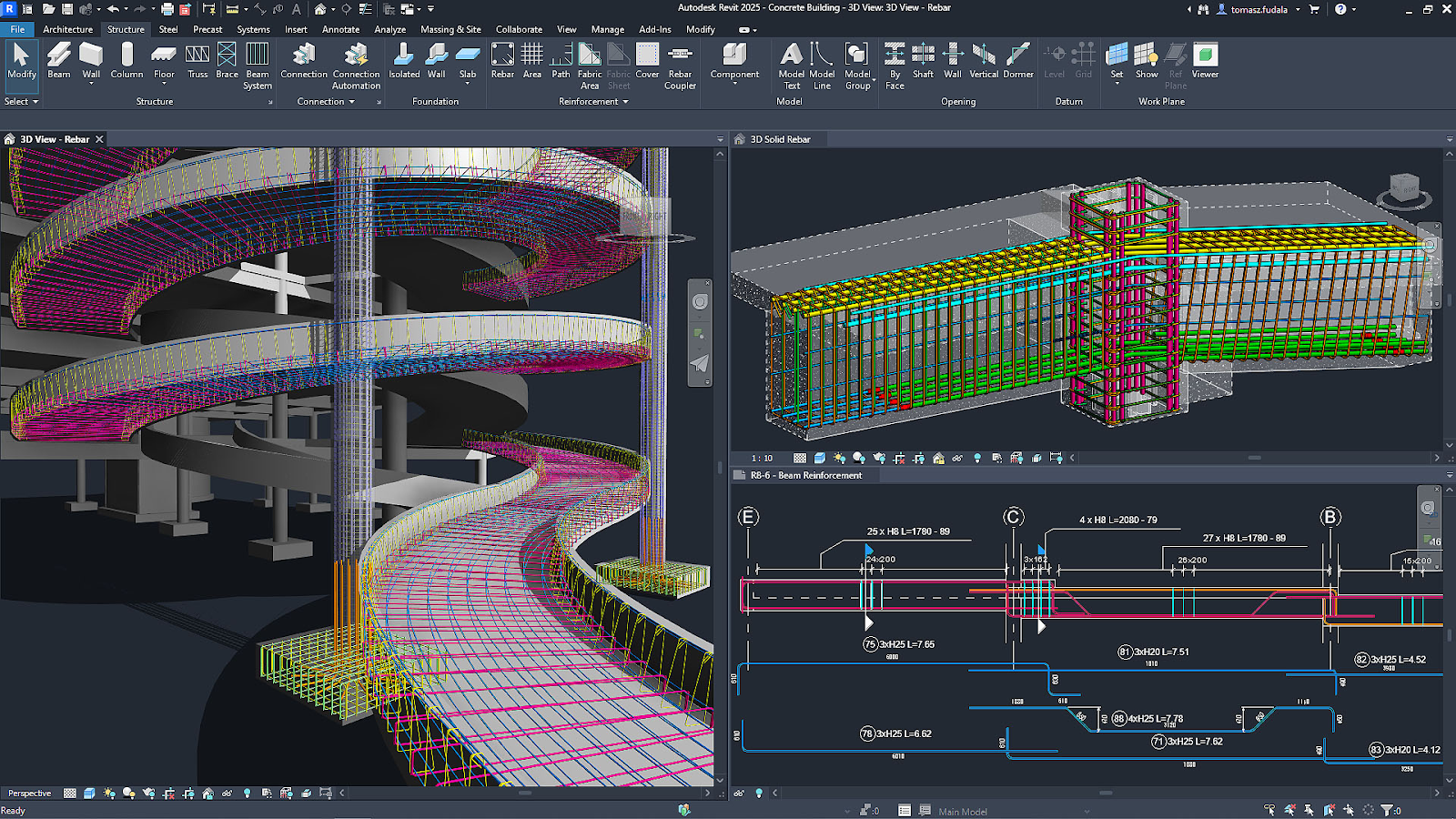
- We compare the Revit model against the point cloud, identifying missing elements, misalignments, and geometry outside the required tolerance.
- Result: A reliable, accurate model that minimizes revisions and increases client confidence.
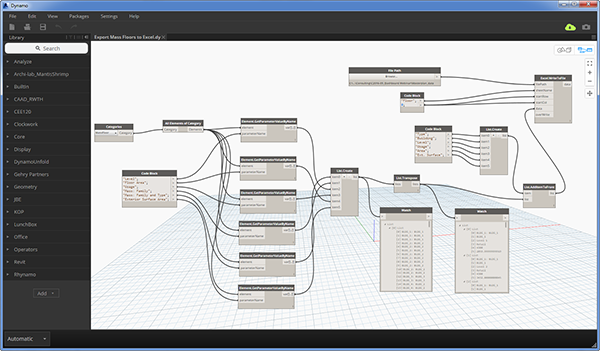
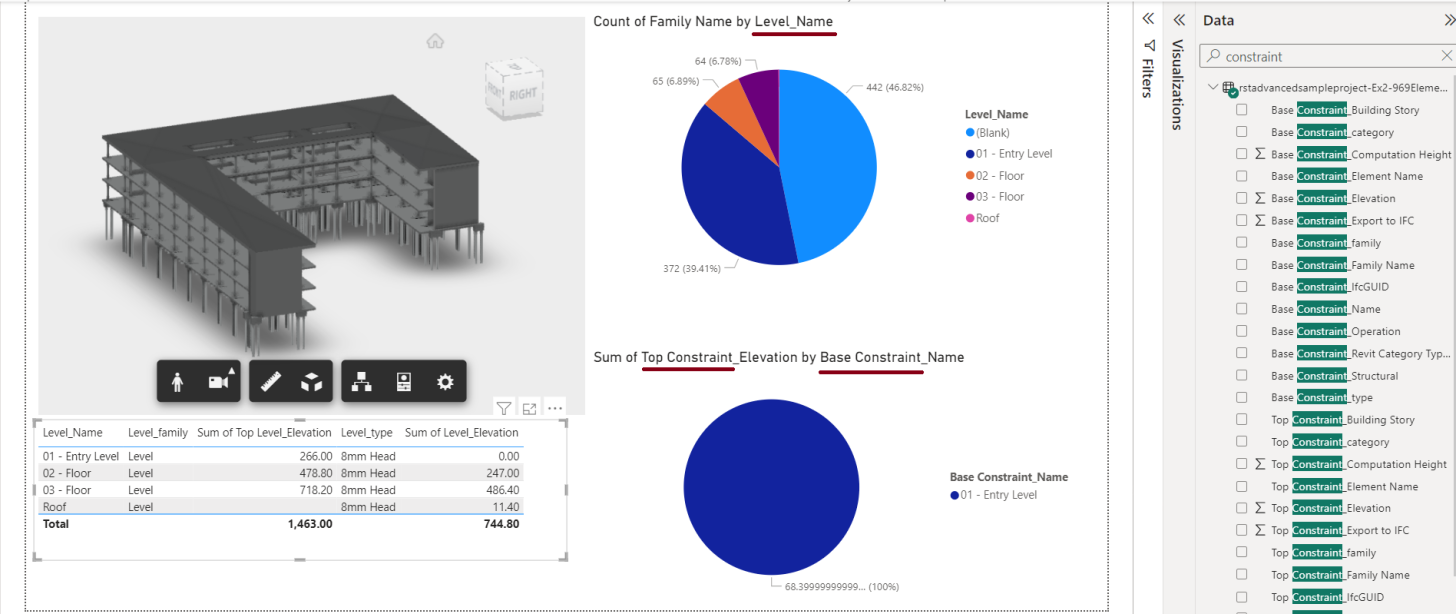
- We review family categories, naming conventions, worksets, coordinates, levels, and overall model health.
- Result: A clean, standardized, and production-ready Revit model.
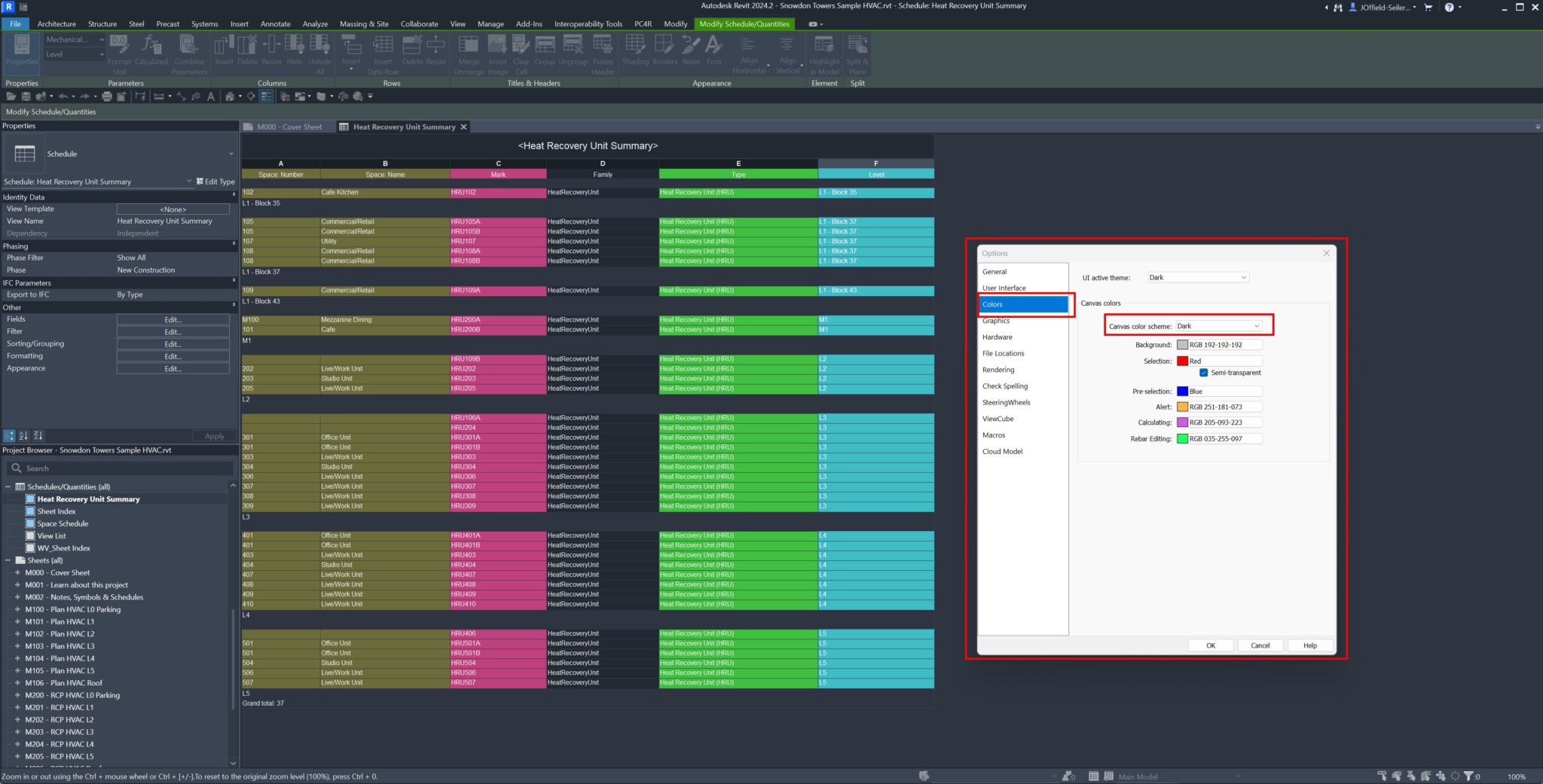
- We verify system classifications, network continuity, equipment connections, and discipline-specific modeling standards.
- Result: A coordinated MEP model ready for quantity takeoffs, coordination, and downstream workflows.
- We validate family categories, parameters, materials, hosted elements, and identify in-place or incorrectly modeled families.
- Result: A standardized BIM model ready for coordination, asset management, and future project phases.

Don't Let Modeling Errors Reach Your Client
Independent Scan-to-BIM quality control that helps you deliver accurate, compliant, and production-ready Revit models.


